The Blue Screen Of Death is one of the common signs your computer is in
trouble. If you have had a computer for any length of time, you have probably
experienced a hard drive crash. Even if you have a new computer, you must be
prepared for a disk failure. A study showed that hard drives are most likely to
fail when they are less than 3 months or more than 2 years old. The only way
to protect yourself from the headache (and heartache) of a system crash is to
regularly backup your data and system files. Backing up your system is like
having car or life insurance. You do it on a regular basis because you never
know when you will need it.
There are some signs that your hard drive may be in danger of failing.
Following are the top five signs you should be aware of.
1 - You get the infamous "Blue Screen of Death"
Basically this means your operating system has encountered a critical
and non-recoverable error. Restart your computer (if you can) and
BACK-UP all your data and system files IMMEDIATELY!!
2 - You hear buzzing, clicking, grinding, high-pitched whining or
whirring noises coming from your computer.
This indicates a physical problem with your hard drive. The longer this
goes on the greater the potential loss of data is without the possibility of
recovery.
BACK-UP all your data and system files IMMEDIATELY!!
3 - Your system keeps freezing or hanging up
This can be either a potential hard drive failure or your machine is
infected with a virus. In any case,
BACK-UP all your data and system files IMMEDIATELY!!
Then run diagnostics to determine if it is a virus or a disk problem.
4 - Your computer keeps re-booting on its own
This is similar to #3 and should be handled the same way ...
BACK-UP all your data and system files IMMEDIATELY!!
Then determine what the cause is.
5 - Error message: boot drive or device not found or drive cannot be
accessed
This is pretty much fatal. A tech or specialist MAY be able to recover
your data depending upon the cause and damage done, but you will need
a new hard drive and a reload of your operating system.
Then
BACK-UP all your data and system files IMMEDIATELY!!
You will never be able to prevent a hard drive failure but you can minimize its
damaging effects. I can not stress enough how important it is to back-up your
personal and professional data.

Blue Screen Of Death





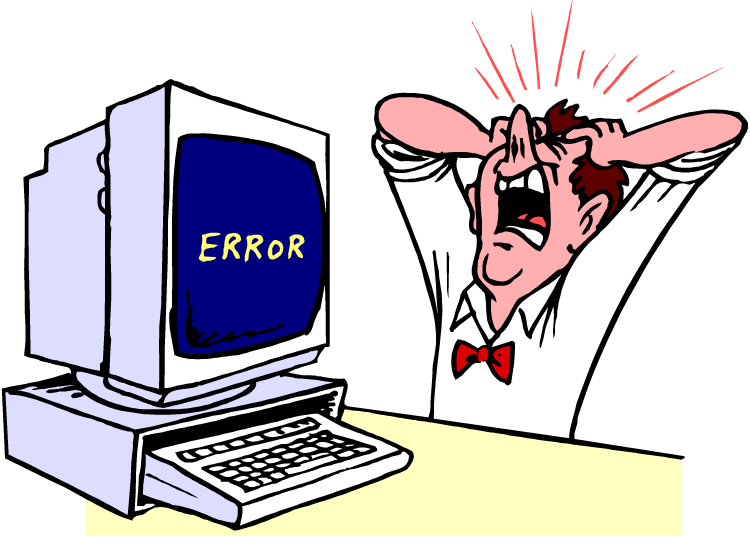
Top 5 Signs Your Hard Drive Is Crashing